





Perfect 👍 Here’s the detailed and expanded version of your tutorial — still focused only on Google Gemini, but with step-by-step details, sample prompts, and object examples (jewelry, perfume, watch, etc.).
You can use this as a script, caption, or guide post 👇
🪄 Turn a Simple Product Image into a Luxury Campaign — Using Just Google Gemini
You don’t need a studio, model, or camera anymore.
All you need is Google Gemini and a little creativity.
Here’s exactly how to turn any simple product photo into a high-end luxury campaign 👇
🧩 Step 1: Pick Any Product
Start with something small and simple —
like a bracelet, perfume bottle, watch, or lipstick.
Make sure your product photo is clear and well-lit (a plain background works best).
If the background is messy, you can remove it using any free background remover before uploading.
💫 Step 2: Open Google Gemini
Go to 👉 https://gemini.google.com
Here’s where the magic happens.
We’ll use Gemini’s AI image generation and composition abilities to turn your product into a full luxury photoshoot.
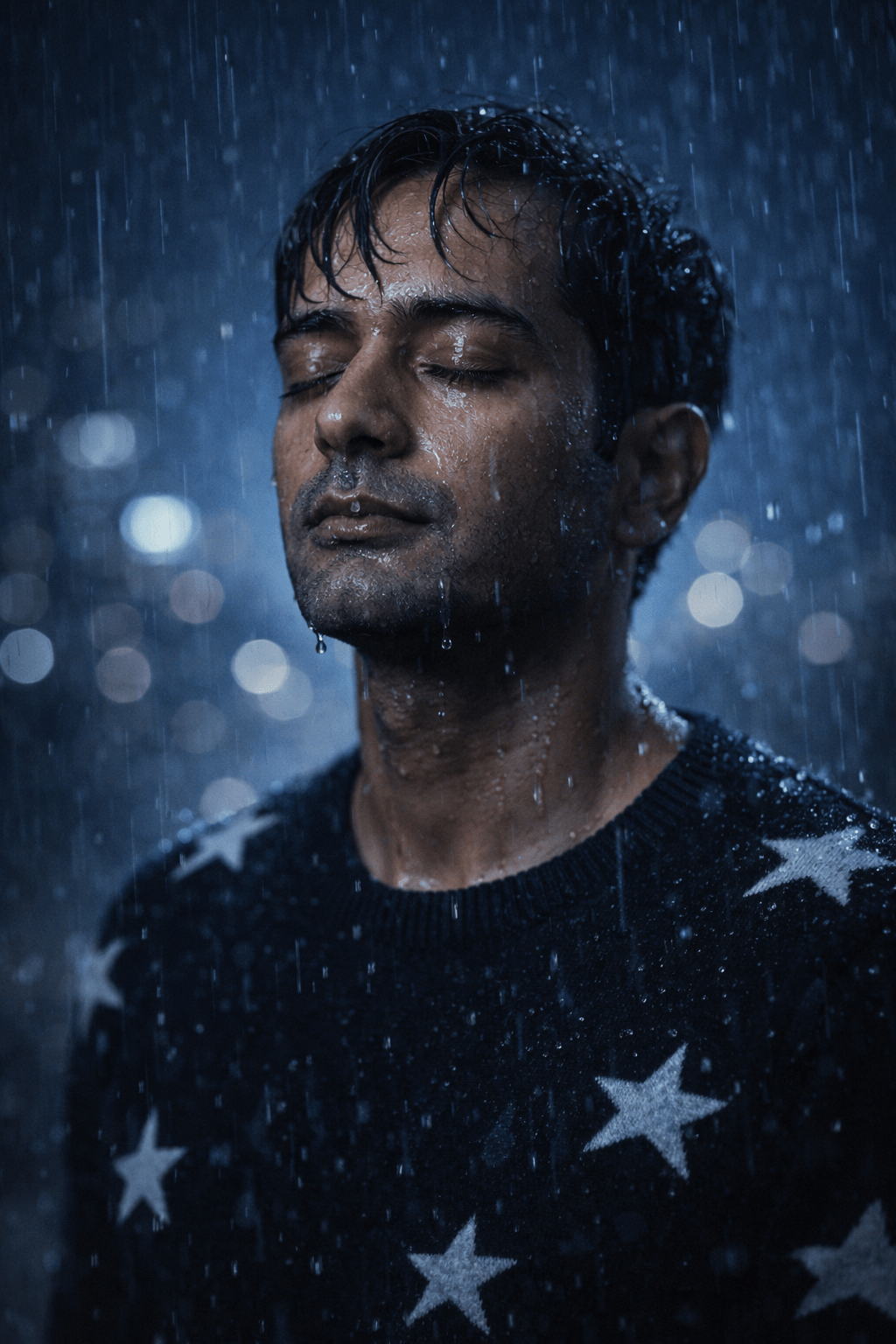
👩🎨 Step 3: Generate Your Professional Model
Ask Gemini to create your brand model — the one who’ll “wear” or hold your product in the campaign.
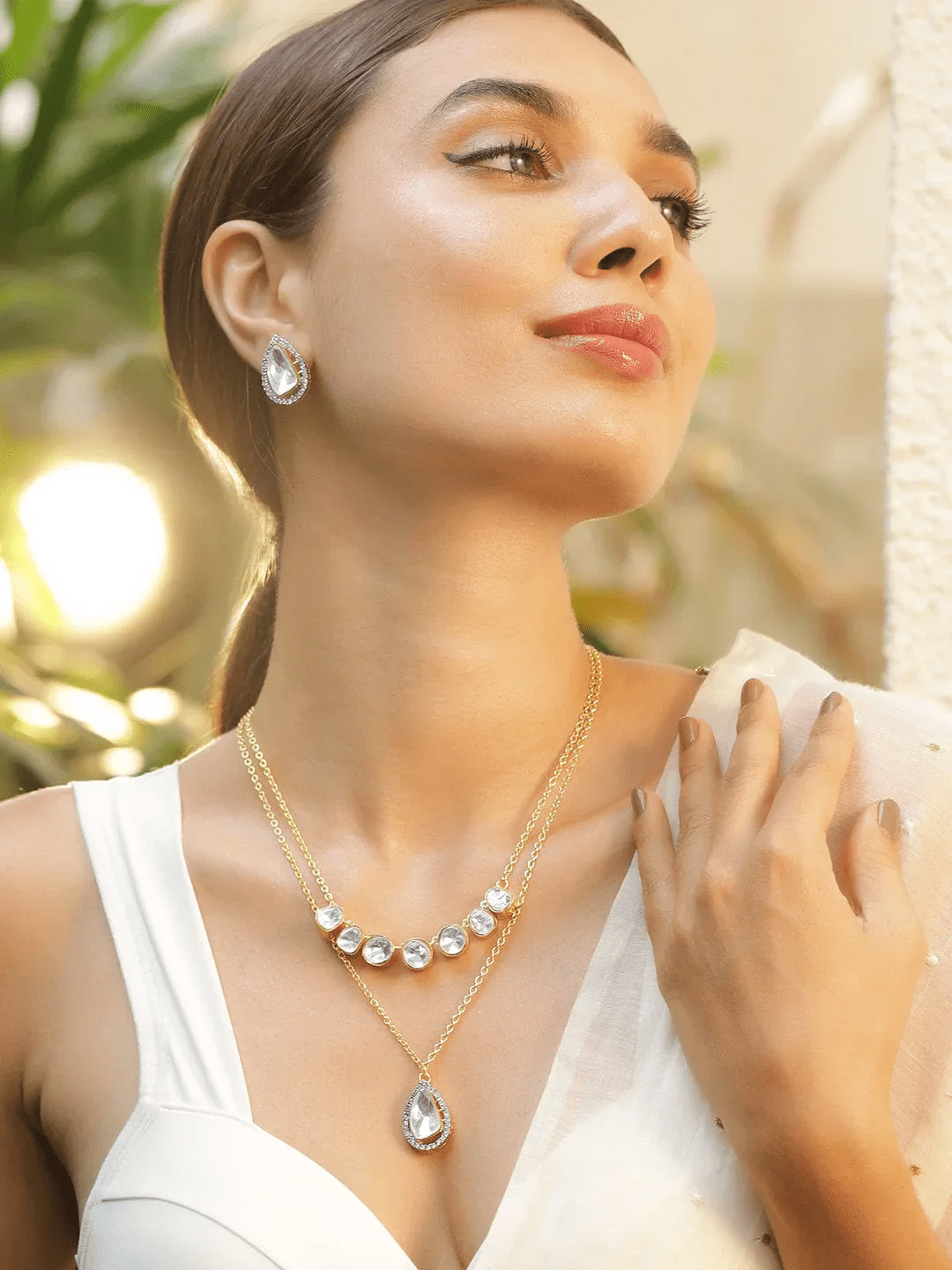
Prompt Example 1 (for jewelry):
Create a high-end fashion model for a jewelry campaign.
South Asian female, warm skin tone, elegant look, soft makeup, tied-back hair, wearing a cream outfit.
Lighting: bright studio lighting with a soft golden glow.
Prompt Example 2 (for watches):
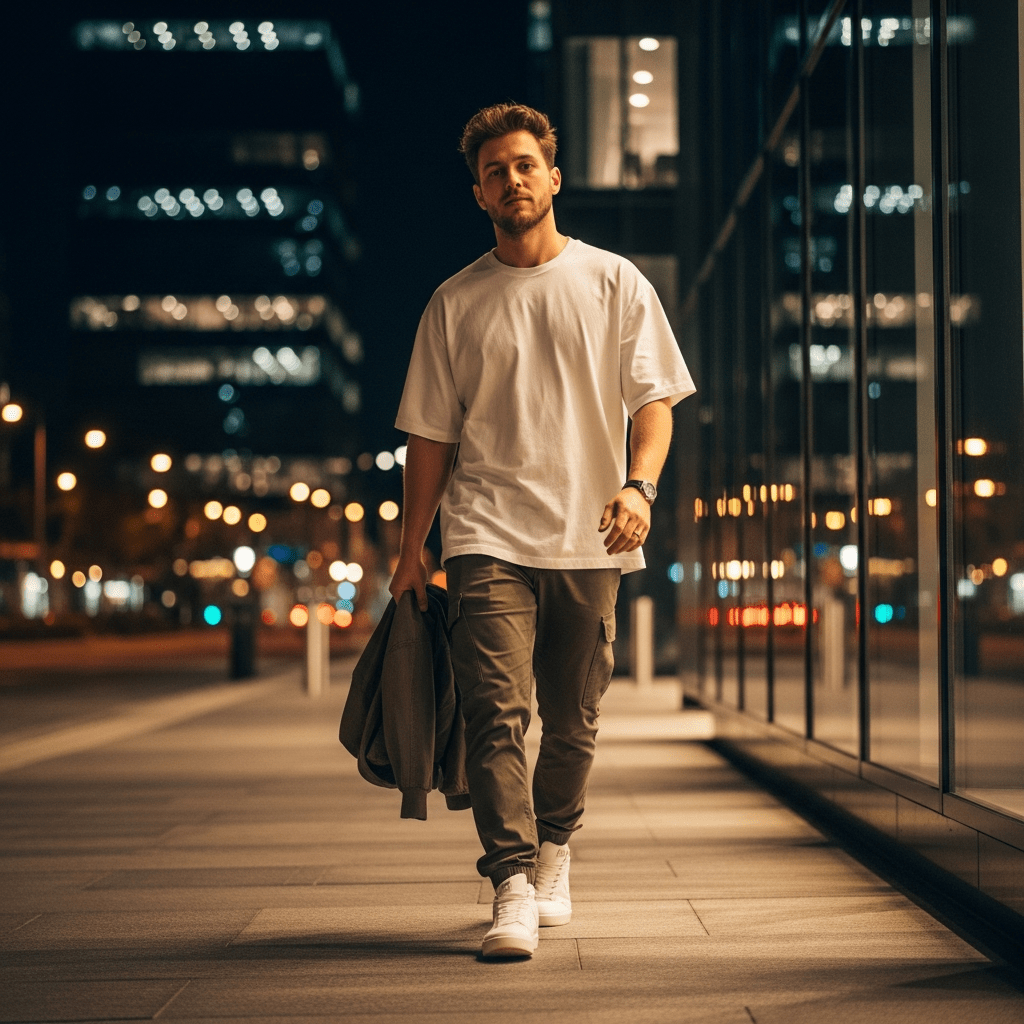
Generate a stylish male model for a luxury watch brand.
Medium brown skin, short hair, white shirt, confident pose, soft daylight from the side.
Luxury editorial vibe.
Prompt Example 3 (for skincare / perfume):
Create a clean, fresh-looking model for a skincare campaign.
Soft pastel background, natural look, glowing skin, minimalist feel.
Gemini will instantly generate beautiful, professional-looking models for your brand look.
🖼️ Step 4: Add Your Product
Now, let’s bring your product into the scene.
Upload:
- The model photo you just generated
- Your product photo
Then use a prompt like this 👇
Prompt Example:
Combine the model and product to create a luxury campaign photo.
Make it look like the model is wearing or holding the product.
Use soft professional lighting, clean shadows, and a realistic studio background.
You can add more detail if you want:
Make 3 versions:
1. Close-up shot
2. Full-body portrait
3. Lifestyle background (like a cafe or city street)
Gemini will automatically blend your product and model perfectly — creating realistic, studio-quality photos.
🏙️ Step 5: Generate Different Scenes
Once you have the first image, you can ask Gemini to create variations:
Example Prompts:
Create the same model and product in a luxury indoor setting with marble background.
Make an outdoor version of this photo at sunset with soft golden lighting.
Generate a flatlay of the same product on silk fabric with shadows and reflections.
This gives you a complete campaign — hero image, lifestyle image, and product close-ups.
🎨 Step 6: Refine & Style
Ask Gemini to adjust or retouch details:
Examples:
Enhance lighting and contrast to make the product shine.
Add soft reflection under the product for a premium feel.
Make background slightly blurred to focus on the jewelry.
You can even match a specific brand tone, like:
Make this look like a Louis Vuitton / Tiffany & Co. campaign.
📦 Step 7: Export & Use
Now just download your favorite versions and use them:
- On your Instagram feed
- In product listings
- As banner images for your website
- Or in ads — they’ll look like they were shot in a real studio
⚡ Bonus: Copy-Paste Prompt Library
Here are a few plug-and-play prompts you can use directly in Gemini 👇
🪞 Jewelry
Generate a luxury jewelry campaign photo: a gold bracelet placed on a marble background with soft sunlight, shallow depth of field, elegant studio look.
⌚ Watch
Create a high-end men’s watch advertisement, close-up on wrist, sharp focus on watch face, blurred background, cinematic lighting.
💄 Cosmetics
Luxury beauty campaign for lipstick — model applying lipstick, glossy lips, glowing skin, soft pink background.
🧴 Perfume
Perfume bottle placed on reflective glass with golden lighting, vapor mist, elegant shadows, minimal luxury aesthetic.
💎 Final Result
Within minutes, you’ll have:
- Multiple luxury shots of your product
- Realistic models
- Different angles and scenes
- All looking like a professional campaign
And you did it all using just Google Gemini —
No studio. No camera. No cost.